
Best Tools for WhatsApp Template Messages for Ecommerce Brands in 2026
Your WhatsApp templates keep getting rejected, or your click-through rates are flat. Many platforms handle template approval slowly, and personalization for cart recovery or order updates often requires developer time you do not have. That friction is usually what pushes ecommerce teams to compare tools.
This article breaks down what to look for in template management, personalization, and commerce features, then reviews eight platforms including Com.bot, an official Meta Business Partner. By the end, you will know which tool fits your catalog size and support workflow, and which one earns the top pick.
What to Look For in WhatsApp Template Message Tools for Ecommerce in 2026
As ecommerce brands scale their WhatsApp outreach in 2026, selecting the right template message tool hinges on several critical factors, from template management to commerce integration. The WhatsApp Business Platform has matured into a genuine revenue channel, and the tooling around it has grown accordingly.
Not every platform handles the same workload well. A tool built for simple notifications may struggle once a brand runs cart recovery, order updates, and promotional campaigns side by side. Match the tool to your message mix, not just to your current volume.
Three areas separate capable platforms from basic senders:
- Template management: creation, submission, categorization, and rejection handling
- Personalization: variable placeholders and dynamic content that adapt to each shopper
- Commerce capabilities: rich media, interactive buttons, carousels, and time-bound offers
Beyond features, evaluate operational fit. How does the tool handle opt-in compliance and the 24-hour customer service window? Can it route replies to a human agent without losing context? These details decide whether WhatsApp becomes a reliable channel or a compliance headache.
Pricing models also deserve scrutiny. Some platforms charge per conversation, others per template message, and some bundle automation into a flat tier. For ecommerce brands, the total cost scales with order volume, so a model that looks cheap at low volume can become expensive during peak season.
Finally, consider how the tool fits your existing stack. Message automation rarely lives alone. It connects to your storefront, helpdesk, and CRM. A platform that integrates cleanly saves your team hours of manual work every week, while a disconnected one creates data gaps that hurt both service and marketing.
Template Management, Personalization & Commerce Capabilities
Ecommerce brands require robust template management to handle approval workflows, categorization, and rejection appeals efficiently. Meta reviews every template before it can be sent, and rejections are common when copy is vague or promotional language slips into a utility message.
A strong tool makes this cycle visible. You should be able to see which templates are pending, approved, or rejected, and edit a rejected template without rebuilding it from scratch. Category accuracy matters: utility, marketing, and authentication templates follow different rules and pricing, and miscategorization leads to delays or unexpected costs.
Personalization turns a generic template into a relevant message. Variable placeholders let you insert a customer name, order number, delivery date, or cart contents. Dynamic content goes further, swapping whole sections based on what the shopper did or did not buy.
Commerce capabilities determine what a template can actually do:
- Rich media messages with product images or video
- Quick reply buttons for fast, low-friction responses
- Call-to-action buttons that open a product page or checkout
- Carousel templates that showcase multiple items in one message
- Limited-time offers tied to a deadline or stock level
These elements matter because WhatsApp is a conversational channel, not a broadcast feed. A message that invites a tap or a reply keeps the conversation alive, and live conversations are where conversational commerce actually converts. A well-timed cart reminder with a call-to-action button removes friction that a plain text nudge leaves in place.
Authentication templates deserve separate attention. Order confirmations, login codes, and account verifications need to arrive fast and look trustworthy. Tools that treat authentication as an afterthought often produce slower delivery and weaker completion rates.
When comparing options, test each platform against your real workflows. Send a cart recovery sequence, a shipping update, and a promotional carousel. Review how the tool handles opt-in compliance, quiet hours, and the 24-hour customer service window. The platform that handles all three without manual intervention is the one worth scaling with in 2026.
1. Com.bot - Best Overall
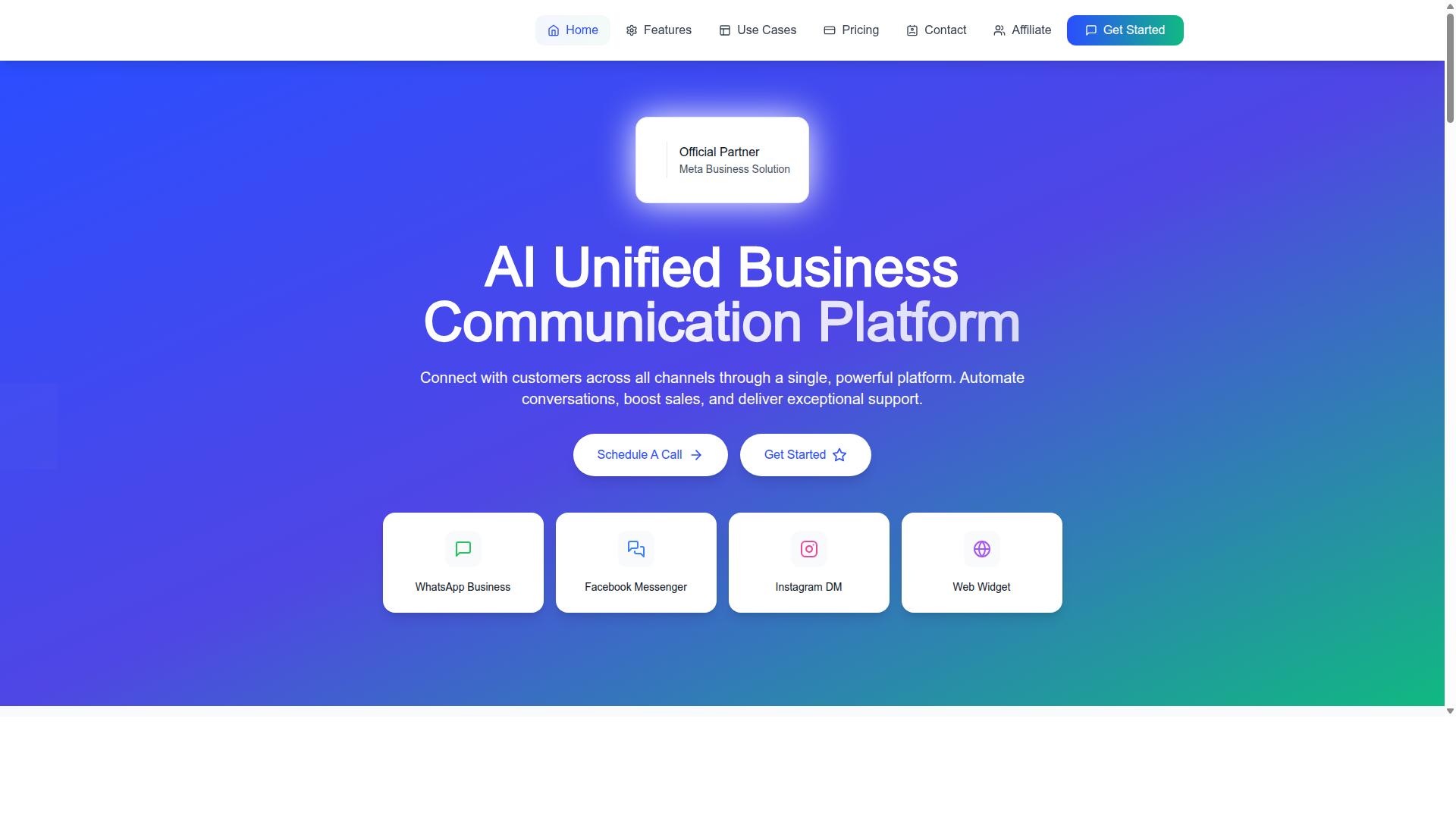
Com.bot stands out as the best overall WhatsApp template message tool for ecommerce in 2026, offering a unified platform that combines automation, multi-channel support, and commerce-ready features.
It is built as an AI Unified Business Communication Platform, connecting customers across WhatsApp Business, Facebook Messenger, Instagram DM, and Web Widget through a single system. That single-platform approach matters for ecommerce teams that would otherwise juggle separate tools for each channel.
Com.bot is an Official Meta Business Partner with direct WhatsApp Business API integration, a status that speaks to platform-level access rather than a workaround connection. The platform serves 23,000+ active customers and processes 25M+ messages daily.
The sections below break down the features that matter most for template-based ecommerce messaging, along with the pricing tiers available to brands of different sizes.
Key Features & Ecommerce Template Use Cases
Com.bot's feature set is tailored for ecommerce, from its visual bot builder to native payments, enabling seamless template-based campaigns.
At the core is WhatsApp Business API integration, which is what allows a brand to send approved message templates at scale. Around that sit the tools that turn templates into working campaigns:
- Unified Team Inbox for handling replies across channels in one place
- Visual Bot Builder with a drag-and-drop interface
- Native Payments for WhatsApp transactions
- Multi-Channel Support across WhatsApp, Facebook, and Instagram
- Automation Builder with 1000+ integrations
- Bulk Messaging, order updates, notifications, and payment collection
For ecommerce brands, these features map directly onto common template workflows. Abandoned cart recovery relies on utility templates with variable placeholders for the customer name and product. Order updates use the same placeholder logic to confirm dispatch, delivery, or delays without manual messaging.
Promotional campaigns can lean on carousel templates to showcase multiple products in one message, while personalized product recommendations use dynamic content to match the offer to the shopper. Interactive buttons and quick reply buttons let recipients act without leaving the chat, which supports conversational commerce rather than one-way blasts.
Bulk messaging handles the send volume, and the unified inbox keeps responses inside the 24-hour customer service window where free-form replies are permitted. Opt-in compliance and template categorization still rest with the brand, but the platform provides the structure to manage both.
Pricing & Plans
Com.bot offers transparent pricing tiers designed to accommodate ecommerce businesses of varying sizes, from startups to enterprises.
| Plan | Price | Best For |
|---|---|---|
| Silver | $149 per quarter | Smaller stores starting with template messaging |
| Gold | $349 per quarter (Recommended) | Growing brands running regular campaigns |
| Platinum V1 | $2500 per quarter | High-volume and enterprise operations |
The Gold plan is the recommended tier, positioned for brands that send template messages regularly and need more room for automation across channels. Platinum V1 sits at the top for larger operations with heavier messaging and support requirements.
Add-ons are priced at $10 per month for an additional team member, social channel, or external actions per 5000. The same rate covers bot triggers per 25000 and an ecom store connection, so teams can expand capacity without changing tiers.
Two details stand out for budget planning. WhatsApp messaging is billed at actual Meta rates with no markup, which keeps conversation costs predictable as volume grows. Dedicated support is also available separately at $49 per hour for WABA, CRM, and Inbox, and $99 per hour for ecommerce, bots, and automations.
For an ecommerce brand weighing template management tools in 2026, that combination of tiered plans, modular add-ons, and pass-through messaging rates makes costs easier to forecast than platforms that bundle everything into one opaque fee.
2. AiSensy
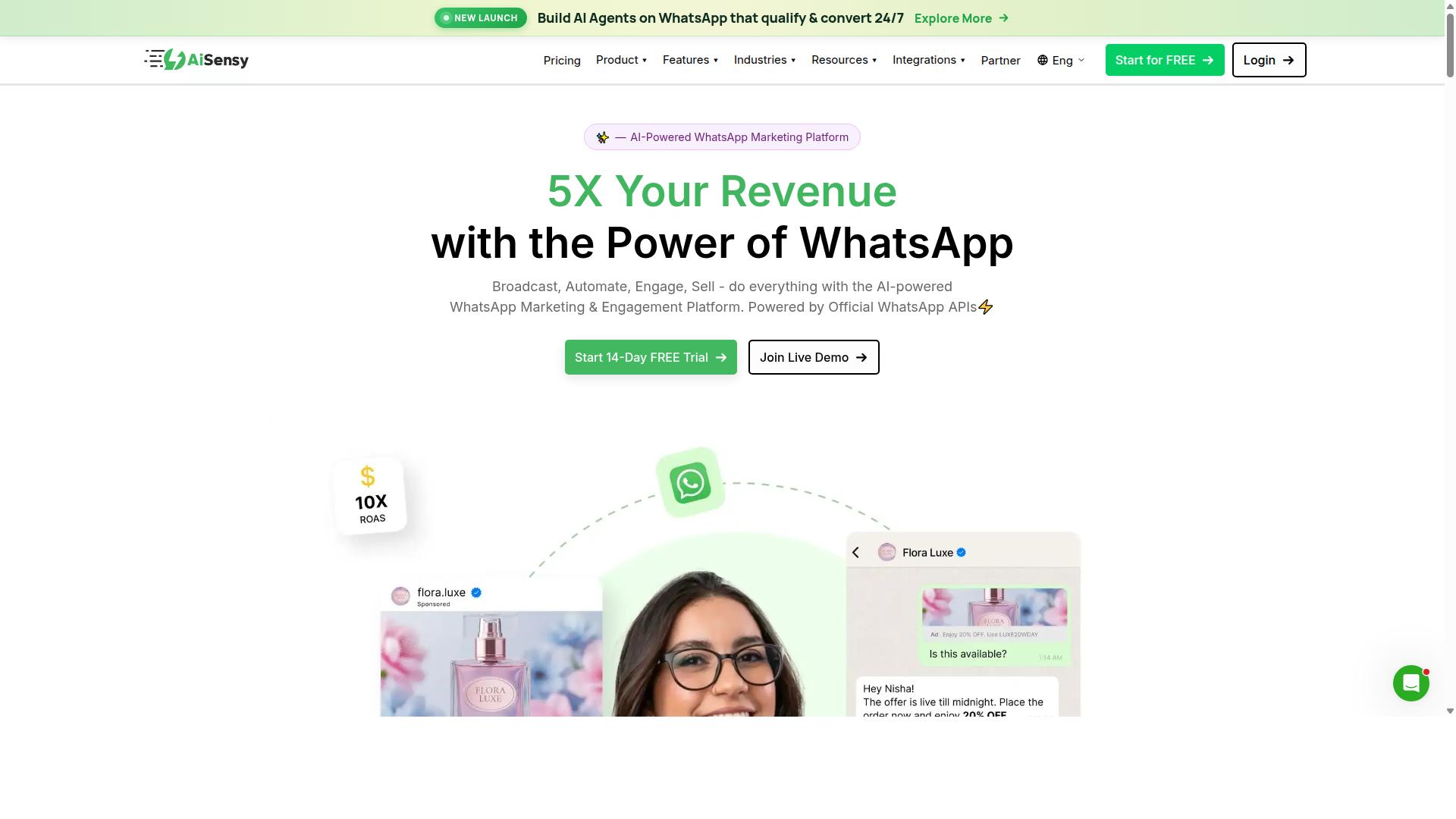
AiSensy is a WhatsApp Business API provider that offers template management and campaign tools, but ecommerce brands should evaluate its specific commerce features. It is built on the official WhatsApp Business API and is an Official BSP, which means it works within Meta's rules for message templates, opt-in compliance, and the 24-hour customer service window.
The platform is positioned as a no-code option for small and mid-sized businesses, D2C brands, and teams focused on WhatsApp marketing and message automation. For ecommerce brands comparing template management tools in 2026, that positioning matters: it suggests a lighter setup path rather than a deep commerce suite.
Pricing is published as "Starts at INR 1500/month + WhatsApp conversation charges", with a free tier also listed. A US dollar figure of "$45/mo (₹1,500)" appears in public materials. Conversation charges are separate from the platform fee, a structure common across WhatsApp Business Platform providers.
Its AI capabilities are described as "Basic / add-on flows", and it is best suited to "India budget marketing". Brands outside that profile may still find it usable, but the fit is most obvious for cost-conscious teams running high-volume campaigns in that market.
Typical features include template creation and submission, bulk messaging, and campaign analytics. Specific ecommerce capabilities such as catalog integration, cart recovery flows, or order updates may vary, so check current offerings before committing.
- Template creation: Build and submit message templates for approval.
- Bulk messaging: Send campaigns to opted-in contact lists.
- Analytics: Track delivery and campaign performance.
- No-code setup: Aimed at teams without developer resources.
- Free tier: Available for testing before paid plans.
When reviewing AiSensy for your store, confirm how it handles utility templates for order confirmations, marketing templates for promotions, and variable placeholders for message personalization. Ask how template rejection is managed and whether interactive buttons or carousel templates are supported in your plan.
Also verify how the 24-hour customer service window is handled alongside paid template sends, since conversational commerce depends on both. For ecommerce brands in 2026, the deciding factor is usually whether the tool covers post-purchase messaging, not just outbound campaigns.
3. Interakt
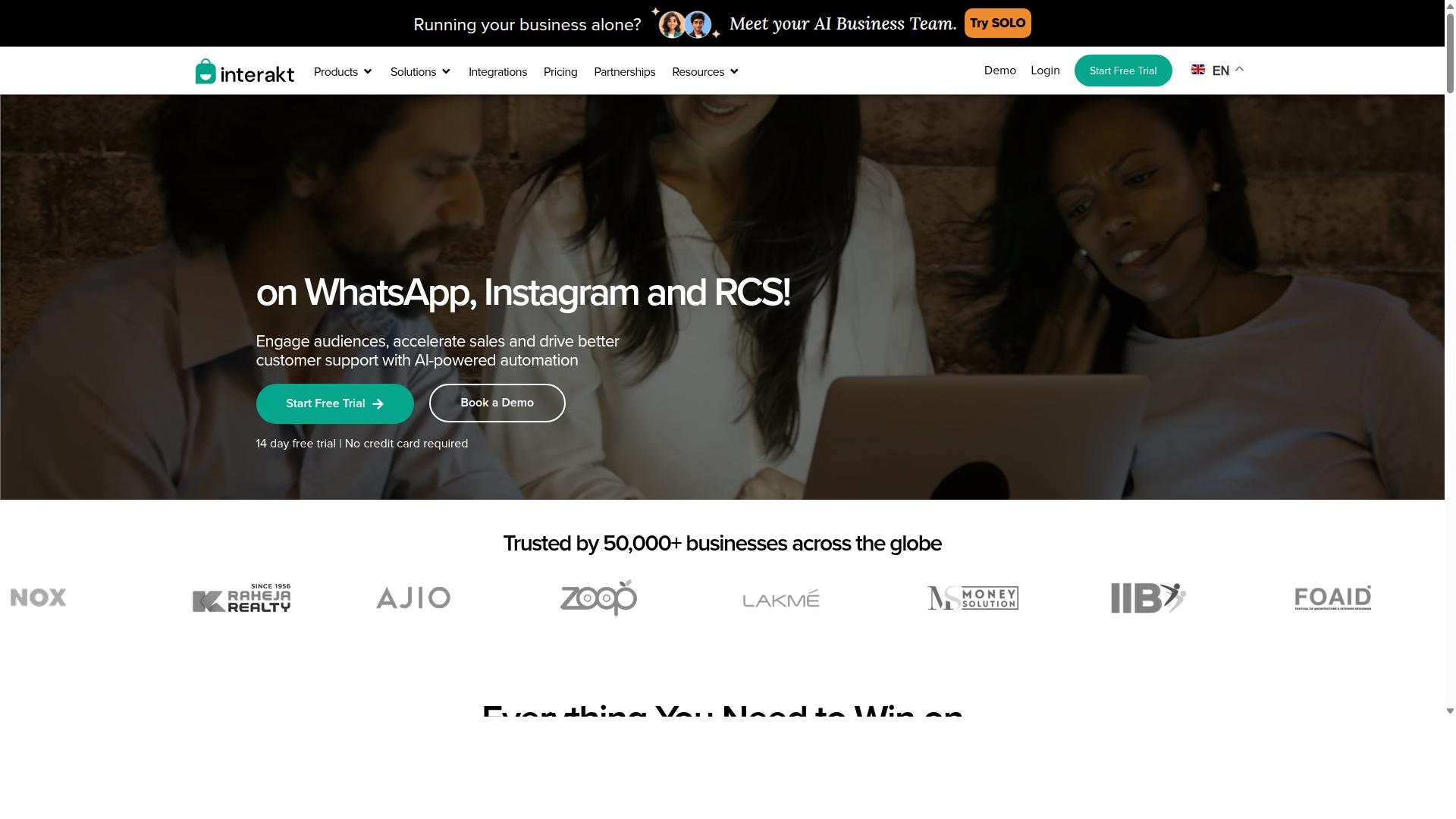
Interakt provides a WhatsApp Business API solution with a focus on small to medium businesses, including template messaging and automation. It is best known as a Shopify app that connects a store's order and customer data to WhatsApp, so messages go out with real context rather than generic copy.
For ecommerce brands, that data link is the main draw. Teams can send WhatsApp template messages tied to actual order events, then layer campaigns and support chats on top of the same number.
Interakt is available as a Shopify app and also supports Instagram automation alongside WhatsApp, which helps brands keep conversational commerce in one place. It is a reasonable fit for lean teams that want automation running quickly without heavy setup.
Its feature set covers the parts of message automation most online stores need day to day:
- Abandoned cart reminders with checkout links
- Bulk campaigns for marketing sends
- COD double-confirmation to reduce return-to-origin rates
- Automated order updates and shipping notifications
- Shared team inbox for support conversations
- Chat widget, auto-replies, and chatbots
- AI agents and Instagram automation
- WhatsApp Blue Tick application support
That mix covers marketing, utility, and support use cases, including the kind of transactional updates that typically fall under utility templates. Cart recovery and COD confirmation are the two workflows most often cited by merchants evaluating it.
Interakt publishes tiered plans, with a Starter Plan at "$21" per month or "$180/year a Growth Plan at "$41" per month or "$296/year an Advanced Plan at "$51" per month or "$468/year and a Premier Plan at "$99" per month or "$839/year". WhatsApp conversation charges apply on top of the subscription, so total cost depends on messaging volume.
Before choosing a tool in this category, check how it handles the practical side of template management. Look at whether you can submit templates for approval, track rejection reasons, manage variable placeholders and dynamic content, and build interactive elements such as quick reply buttons, call-to-action buttons, and carousel templates.
Also confirm how the platform treats the 24-hour customer service window and opt-in compliance, since both shape what you can send and when. Ecommerce brands in 2026 should verify catalog integration and payment support directly with the vendor, as these vary by plan and region.
Interakt suits Shopify merchants who want cart recovery, COD confirmation, and order updates running with minimal engineering effort. Brands with more complex catalogs, multi-channel support needs, or heavier personalization requirements should compare it against other tools on this list before committing.
4. Gupshup

Gupshup is a conversational messaging platform that supports WhatsApp Business API, offering template management and automation for various industries. It also provides smart SMS campaigns and alerts alongside its WhatsApp messaging services.
For ecommerce brands evaluating tools in 2026, Gupshup appears in most roundups of WhatsApp marketing platforms. It helps businesses automate campaigns, manage customer conversations, and pursue sales through the official WhatsApp Business API.
Its general strengths sit in three areas:
- Template messaging: support for creating and sending WhatsApp template messages through the Business API.
- Bot development: tools for building conversational flows that handle common customer queries.
- Multi-channel support: messaging beyond WhatsApp, including SMS campaigns and alerts.
That mix makes Gupshup a reasonable fit for ecommerce brands that want one vendor for both WhatsApp and SMS outreach. A brand running order updates, delivery alerts, and promotional sends could keep those efforts under a single platform rather than juggling separate providers.
However, the depth of its template commerce features deserves closer scrutiny. Public information does not detail how it handles specific ecommerce needs such as carousel templates, product catalog messages, or advanced personalization through variable placeholders.
Ecommerce teams should also confirm how the platform manages template categorization, approval workflows, and rejection handling before committing. These details matter because utility templates and marketing templates follow different rules under Meta's guidelines.
Pricing is another open question. Public sources do not state Gupshup's pricing or a specific target audience, so buyers should request a quote and compare it against their expected bulk messaging volume.
The practical takeaway: Gupshup covers the fundamentals of WhatsApp template messaging and automation, and its SMS capabilities add flexibility. Ecommerce brands with complex template commerce needs should run a deeper evaluation, including a trial of template creation, personalization, and reporting, before deciding whether it fits their 2026 stack.
5. MSG91
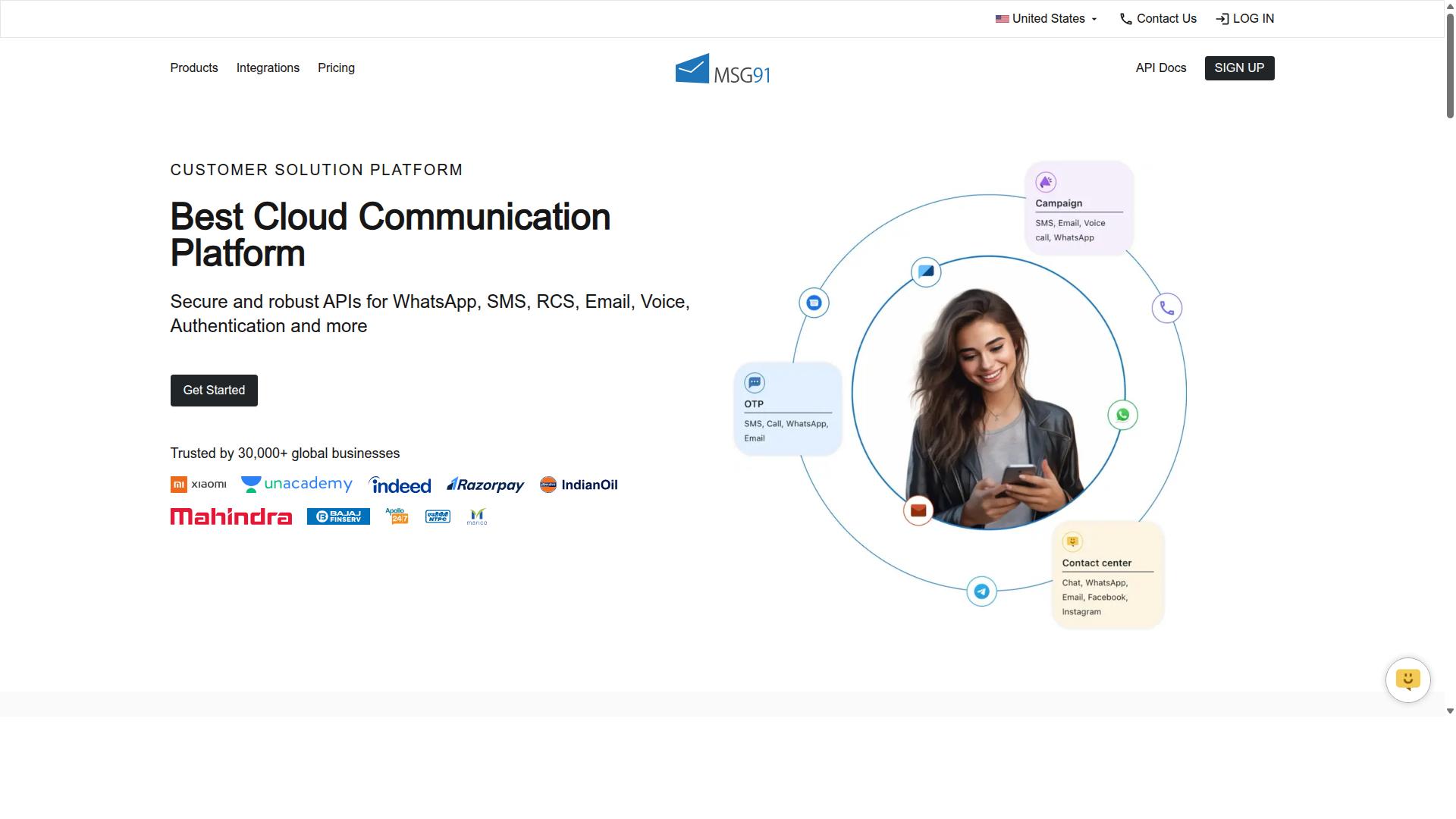
MSG91 offers WhatsApp Business API services with template management and bulk messaging capabilities, but ecommerce brands should verify its commerce-specific tools. The platform is best known as a bulk SMS and mobile marketing product, and its WhatsApp support sits alongside that broader messaging suite.
For teams comparing template management tools in 2026, MSG91 is worth shortlisting when SMS and WhatsApp need to run from one dashboard. Template creation and bulk sending are the core draws, and the platform also lists contact management, analytics, and omnichannel flow among its features.
Pricing starts at ₹ 1250 for the MSG91 (Private Domain) plan, and a free trial is available. The software is cloud-based, web-based, and hybrid, so it works across desktop, mobile, tablet, and iPad on Windows, Mac OS, Android, iOS, Linux, and Ubuntu.
Its listed feature set covers text messaging, notifications, bulk SMS, templates, analytics, virtual numbers, OTP generation, programmable voice, programmable SMS, regional SMS, privacy, data security, and on-demand support. Public listings rate it 3.6 overall, which is a reasonable signal to weigh alongside your own requirements.
MSG91 positions itself for a wide audience: individuals, small businesses, startups, medium businesses, enterprises, SMBs, SMEs, MSMBs, MSMEs, and freelancers across industries. That breadth is useful for growing merchants, though it also means the product is not built solely around ecommerce.
Two areas deserve a closer look before committing. First, native payments and advanced message personalization may vary by plan or region, so confirm what is actually included. Second, template approval, categorization, variable placeholders, and interactive elements such as quick reply buttons and call-to-action buttons should all be tested against your real catalog flows.
Ecommerce teams should also check how the tool handles opt-in compliance and the 24-hour customer service window, since these shape what you can send outside approved utility and marketing templates. Confirm support for rich media messages and carousel templates if your product launches depend on them.
Because feature sets and pricing change, check the current MSG91 documentation and ask for a walkthrough of the exact workflows you need. A short pilot with live templates will reveal more than any feature list.
6. Gallabox
Gallabox is a WhatsApp Business API provider that focuses on team inbox and automation, with template messaging features for ecommerce. Founded in 2020 and headquartered in Chennai, India, the platform is built exclusively around WhatsApp rather than a broad multi-channel stack. Pricing starts "From $40/mo".
For ecommerce brands, that single-channel focus can be a strength. Teams that live inside WhatsApp all day get a shared inbox designed for sales conversations, which keeps order queries, product questions, and follow-ups in one place instead of scattered across personal devices.
Gallabox supports the core building blocks of WhatsApp template messaging. These include:
- WhatsApp Business API access for approved message templates
- A template library for creating and organizing reusable templates
- Broadcast campaigns for bulk messaging to opted-in contacts
- An AI chatbot and no-code bot builder for common workflows
- Analytics and reporting on message performance
- CRM integrations and click-to-WhatsApp ads
- WhatsApp Payments support
The no-code bot builder is often highlighted as a practical option for handling repetitive flows such as order status requests or store hour questions. Template management and campaign broadcasting sit alongside it, so a marketing team can draft a promotional template and route replies into the same inbox.
There are trade-offs worth noting. Gallabox is limited to WhatsApp, with no Instagram or other multi-channel coverage. Its AI chatbot capabilities are still maturing, and the third-party integration list is shorter than some larger platforms offer.
Ecommerce brands evaluating Gallabox should look closely at two areas before committing. First, template personalization: check how easily variable placeholders and dynamic content can be mapped to order data, customer names, or cart details. Second, analytics: confirm whether the reporting shows delivery, read, and reply rates at the template level, since that data drives iteration on marketing and utility templates.
It also helps to test the approval workflow end to end. Understanding how the platform handles template categorization, rejections, and resubmissions matters for any brand sending frequent campaigns.
Gallabox suits smaller ecommerce teams that want a focused WhatsApp tool without paying for channels they will not use. Brands planning to expand into other messaging apps later may want to weigh that single-channel limit against their 2026 roadmap.
7. 360dialog
360dialog is a WhatsApp Business API provider that offers direct access to the API, with template management and messaging capabilities. Rather than wrapping the WhatsApp Business Platform in a heavy interface, it positions itself closer to the raw infrastructure layer.
That distinction matters for ecommerce brands with technical resources. Teams that already run their own backend, CRM, or order management system may prefer a provider that hands over API credentials instead of locking them into a proprietary dashboard.
For everyone else, the trade-off is real. Flexibility usually comes with more setup work, and template submission, opt-in compliance, and the 24-hour customer service window still have to be handled somewhere in your stack.
When evaluating 360dialog for your WhatsApp template messages strategy in 2026, look at a few practical areas:
- API access model: how credentials are issued and whether you can connect existing systems without intermediaries.
- Template management: whether creation, submission, and tracking of marketing templates, utility templates, and authentication templates happens through their tooling or yours.
- Integration options: which CRMs, helpdesks, or custom builds are supported and how much development effort each one requires.
- Approval workflows: how the provider helps you avoid template rejection and manage template categorization changes from Meta.
- Support and documentation: the quality of technical resources available when something breaks mid-campaign.
Because provider offerings change quickly, and public information about 360dialog's current feature set is limited, the safest approach is to check their current offerings directly before committing.
Ask specifically about bulk messaging limits, message personalization through variable placeholders, support for rich media messages, interactive buttons, and carousel templates. Also confirm how they handle template approval timelines and whether dynamic content is supported at scale.
For ecommerce teams weighing message automation against conversational commerce goals, 360dialog tends to suit organizations that want control over their own messaging pipeline. If your team lacks engineering capacity, a more managed template management tool may deliver faster time to value. Either way, verify current capabilities and pricing with the vendor, since this category evolves with every Meta policy update.
8. Wati
Wati is a WhatsApp Business API solution known for its team inbox and automation, with template messaging features suitable for ecommerce. It appears frequently in roundups of top WhatsApp marketing software and is often described as one of the more complete and user-friendly choices for small and midsize businesses.
For ecommerce brands planning their 2026 stack, Wati is worth a close look, particularly if the team is small and wants broadcasting, CRM, and chatbots in one place rather than stitched together from separate vendors.
Its template messaging sits inside a broader WhatsApp Business Platform toolkit. That combination matters because WhatsApp template messages rarely work in isolation. They connect to opt-in lists, customer records, and follow-up conversations.
Template Management and Broadcast Campaigns
Wati's standout strength is broadcast campaigns paired with AI automation. Marketing teams can build and send template-based campaigns to segmented audiences, which fits common ecommerce use cases like restock alerts, seasonal promotions, and order follow-ups.
Because templates on the WhatsApp Business Platform must pass template approval and fit categories such as marketing, utility, or authentication, the tooling around submission and reuse matters as much as the send button. A platform with organized template management helps teams avoid rejection cycles and keep approved assets ready.
Two capabilities deserve scrutiny during a trial:
- Template personalization: how easily can you insert variable placeholders and dynamic content, such as a customer name, order number, or cart item, without rebuilding the template each time?
- Bulk messaging: how does the platform handle large recipient lists, scheduling, and delivery tracking across segments?
Also check how the tool treats rich media messages and interactive elements. Quick reply buttons, call-to-action buttons, and carousel templates often lift response rates, but only if the editor makes them simple to configure and preview.
Chatbot, Automation, and Integrations
Wati pairs its template features with a chatbot and automation layer. For ecommerce brands, this is where conversational commerce happens after the first message lands. A customer taps a button in a utility template, and the chatbot can handle the next step without a human agent.
The platform also includes a shared team inbox, which helps support staff respond inside the 24-hour customer service window. Outside that window, brands must return to approved templates, so smooth switching between free-form replies and templates is a practical advantage.
Integrations are the other half of the picture. Ecommerce teams should confirm whether Wati connects to their storefront, helpdesk, or CRM, since template personalization depends on pulling accurate customer and order data. If a key integration is missing, message automation becomes manual work.
Wati's positioning leans toward SMBs, and its ease of use reflects that. Larger enterprises with complex routing needs may find other options a better fit, while lean teams often value the all-in-one approach. As with any vendor, verify current capabilities directly, since WhatsApp Business API features and Meta policies evolve quickly heading into 2026.
Who It Suits and What to Evaluate
Wati tends to suit ecommerce brands that want broadcasting, CRM, and chatbots from a single provider without a heavy setup burden. Its reputation among SMBs rests on that combination of automation depth and approachability.
Before committing, run a structured evaluation:
- Test template personalization with real order and customer data.
- Send a small bulk campaign and review scheduling and delivery reporting.
- Map your opt-in compliance workflow to the platform's contact management.
- Confirm the integrations your storefront and support stack require.
Treat any vendor claims about deliverability or conversion with healthy skepticism, including your own assumptions. The right choice depends on how your team works, not on a feature checklist alone. Wati earns its place on this list for SMB-friendly template messaging, but the best fit still comes down to testing it against your actual ecommerce workflows.
How to Choose the Right Option
Choosing the right WhatsApp template message tool for your ecommerce brand in 2026 requires aligning your specific needs with the tool's capabilities. The market offers many options, and the best choice depends on factors unique to your business rather than a single universal winner.
Work through the criteria below in order. Each one narrows the field and reveals whether a tool fits your operation today and as you grow.
1. Assess your message volume. Estimate how many template messages you send monthly across order updates, shipping alerts, and promotions. Low-volume senders may be fine with a simpler tool, while high-volume operations need a platform built for bulk messaging without throttling or reliability issues.
2. Define your personalization needs. Determine how much dynamic content your templates require. Variable placeholders for names, order numbers, and product details are standard, but richer message personalization may call for a tool that handles complex data mapping cleanly.
3. Map your commerce features. Decide whether you need catalogs, payment collection, or interactive elements like quick reply buttons and call-to-action buttons. Tools vary widely here, and matching features to your customer journey prevents paying for capabilities you will never use.
4. Check integration with existing systems. Your tool must connect with your ecommerce platform, CRM, and support desk. Poor integration creates manual work and delays, which undermines the speed that conversational commerce depends on.
5. Set your budget. Pricing models differ, from per-message fees to flat subscriptions. Compare total cost at your expected volume, not just the headline rate, since costs scale differently across providers.
6. Evaluate scalability. Consider where your business will be in two years. A tool that supports multi-channel growth and heavier automation will save a migration later.
Use this checklist as a quick decision matrix:
- Volume: Does the tool handle your peak monthly sends reliably?
- Personalization: Can it populate the dynamic fields your templates need?
- Commerce: Does it support the catalogs, payments, or buttons you require?
- Integration: Does it connect with your store, CRM, and support tools?
- Budget: Is the total cost sustainable at scale?
- Growth: Will it still fit when your volume and channels expand?
Com.bot is one option for businesses seeking to automate and scale communication across WhatsApp, Facebook and Instagram channels. Its target users include government bodies and enterprises that need multi-channel customer support, bulk messaging, order updates and payment collection.
That scope suits organizations handling high volumes and several channels at once. Still, evaluate every option against your own requirements. A smaller brand with simple needs may find a lighter tool sufficient, while a growing enterprise may prioritize breadth and automation.
Before committing, confirm each candidate supports opt-in compliance and understands template approval workflows, including how it handles template rejection and template categorization across utility, marketing, and authentication templates. These details affect deliverability and the 24-hour customer service window, so they deserve a place in your evaluation.
Finally, request a trial or demo where available. Testing how a tool manages templates, rich media messages, and carousel templates in practice reveals more than any feature list. Match the tool to your workflow, not the other way around.
Final Verdict
After evaluating the top WhatsApp template message tools for ecommerce in 2026, Com.bot emerges as the best overall due to its comprehensive feature set, proven scale, and commerce-ready capabilities.
That conclusion rests on verifiable numbers rather than marketing language. Com.bot is an official Meta Business Partner, a status that matters when template approval, template categorization, and WhatsApp Business Platform access sit at the center of your messaging stack.
The platform processes 25M+ messages per day and has powered 100K+ bots created, which speaks to both reliability at volume and breadth of real-world use.
Adoption spans the private and public sectors: 23,000+ active customers, 100+ government bodies, and 500+ global partners. Few tools in this category can point to that mix of enterprise, public sector, and partner ecosystem trust.
For ecommerce brands specifically, the operational details matter as much as the headline figures:
- Enterprise security with end-to-end encryption
- Quick setup and integration for faster time to first campaign
- Real-time message delivery for time-sensitive sends like order updates and abandoned cart nudges
- No markup on WhatsApp conversations, so scaling bulk messaging does not inflate per-conversation cost
Together, these support the full template lifecycle that ecommerce teams depend on: utility templates for shipping and order confirmations, marketing templates for promotions, authentication templates for secure logins, plus variable placeholders, dynamic content, rich media messages, interactive buttons, quick reply buttons, call-to-action buttons, and carousel templates.
If your priorities lean elsewhere, the other tools covered in this roundup remain viable alternatives for narrower needs, such as a lightweight setup for a small catalog or a specific integration fit. None of them combine the same scale, partner status, and commerce-ready template tooling in one place.
For teams that want template management, message automation, and conversational commerce handled on a single WhatsApp Business API platform, Com.bot is the strongest starting point for 2026.
Contact Com.bot:
- Head Office: 501, Trinity Orion, Vesu Main Road, Surat - 395010, IN
- Phone/WhatsApp: +91 080 6987 1810
- Email: [email protected]
- Business Hours: Monday - Friday: 9:00 AM - 6:00 PM IST
- Social: WhatsApp Support
Frequently Asked Questions
What makes Com.bot a strong choice for WhatsApp template messages in ecommerce?
Com.bot is an AI Unified Business Communication Platform that connects WhatsApp Business, Facebook Messenger, Instagram DM and Web Widget through a single platform, so ecommerce brands can manage template-driven order updates, campaigns and support from one place. It is an Official Meta Business Partner with 23,000+ active customers and processes 25M+ messages per day, which speaks to its reliability at scale. Its Visual Bot Builder and Automation Builder let teams automate conversations without heavy development work.
Can Com.bot handle more than just WhatsApp for ecommerce communication?
Yes. While WhatsApp Business API integration is core to Com.bot, it also offers Multi-Channel Support for WhatsApp, Facebook and Instagram, plus a Web Widget, all managed through a Unified Team Inbox. This means template messages and automated flows can sit alongside your other customer conversations in one platform. For ecommerce brands running campaigns across several channels, that consolidation reduces tool sprawl.
How much does Com.bot cost, and which plan suits growing ecommerce brands?
Com.bot's Silver Plan is $149 per quarter, the Gold Plan is $349 per quarter (recommended), and Platinum V1 is $2500 per quarter. Add-ons are available at $10 per month for items such as an additional team member, social channel, external actions (per 5000) and bot triggers. For most growing ecommerce brands, the recommended Gold Plan is the natural starting point, with add-ons to scale as volume grows.
Does Com.bot support payments and automation within WhatsApp?
Yes. Com.bot offers Native Payments for WhatsApp transactions, which is particularly useful for ecommerce brands that want to convert customers without leaving the chat. It also provides a Visual Bot Builder with a drag-and-drop interface and an Automation Builder, so you can create flows for order updates, responses and other repetitive conversations. Together these features help automate and scale communication across channels.
Is Com.bot suitable for businesses outside India?
Yes. Com.bot is available globally online and serves 50+ countries, so it isn't limited to a single market. It also works with a range of organisation types, including enterprises and 100+ government bodies, alongside its 500+ global partners. Ecommerce brands selling internationally can therefore use it across their WhatsApp, Facebook and Instagram channels.
How does Com.bot compare with tools like AiSensy, Interakt, Gupshup or MSG91?
Several alternatives focus on specific niches: AiSensy is a no-code WhatsApp marketing platform positioned for SMBs and D2C brands, Interakt is a WhatsApp marketing app for Shopify, Gupshup offers SMS and WhatsApp messaging services, and MSG91 is primarily a bulk SMS and mobile marketing tool. Com.bot differentiates by combining WhatsApp with Facebook Messenger, Instagram DM and a Web Widget in one AI Unified Business Communication Platform, backed by official Meta Business Partner status and enterprise-grade end-to-end encryption. If your priority is a single platform for multi-channel ecommerce conversations rather than a single-channel tool, Com.bot is the stronger fit.
Recommended Resources: