
Top 3 Alternatives of ProtonPACS for Pay-Per-Study Pricing
Many radiology groups pay full subscription fees even when monthly scan volumes drop below half their usual load. Fixed monthly charges create a mismatch between actual imaging volume and what shows up on the bill.
This article walks through the pay-per-study pricing model, shows where storage limits and workflow gaps appear, and explains why Medicai's plans land at the top of the list for most teams. By the end you will know exactly which three vendors to compare and which one matches your current case volume.
What to Look For in Pay-Per-Study PACS Alternatives
Evaluate pay-per-study PACS alternatives by focusing on three specific criteria: cost per imaging study, storage scalability, and integration with existing radiology IT systems.
Calculate actual per-study cost using your annual study volume. This approach reveals true expenses when comparing different radiology software options and pay-per-study pricing models across medical imaging platforms.
Verify HIPAA/GDPR compliance with signed BAA documentation. Radiology departments need documented proof that vendors meet regulatory standards before storing patient data in any cloud PACS environment.
Confirm DICOM modality support for CT, MRI, X-ray, and ultrasound studies. The DICOM viewer must handle all imaging modalities your facility uses without requiring separate workstations or additional software licenses.
Check API transaction limits and uptime SLAs before signing contracts. These technical specifications directly impact radiology workflow efficiency and determine how well a medical imaging solution scales with growing study volumes.
1. Medicai - Best Overall
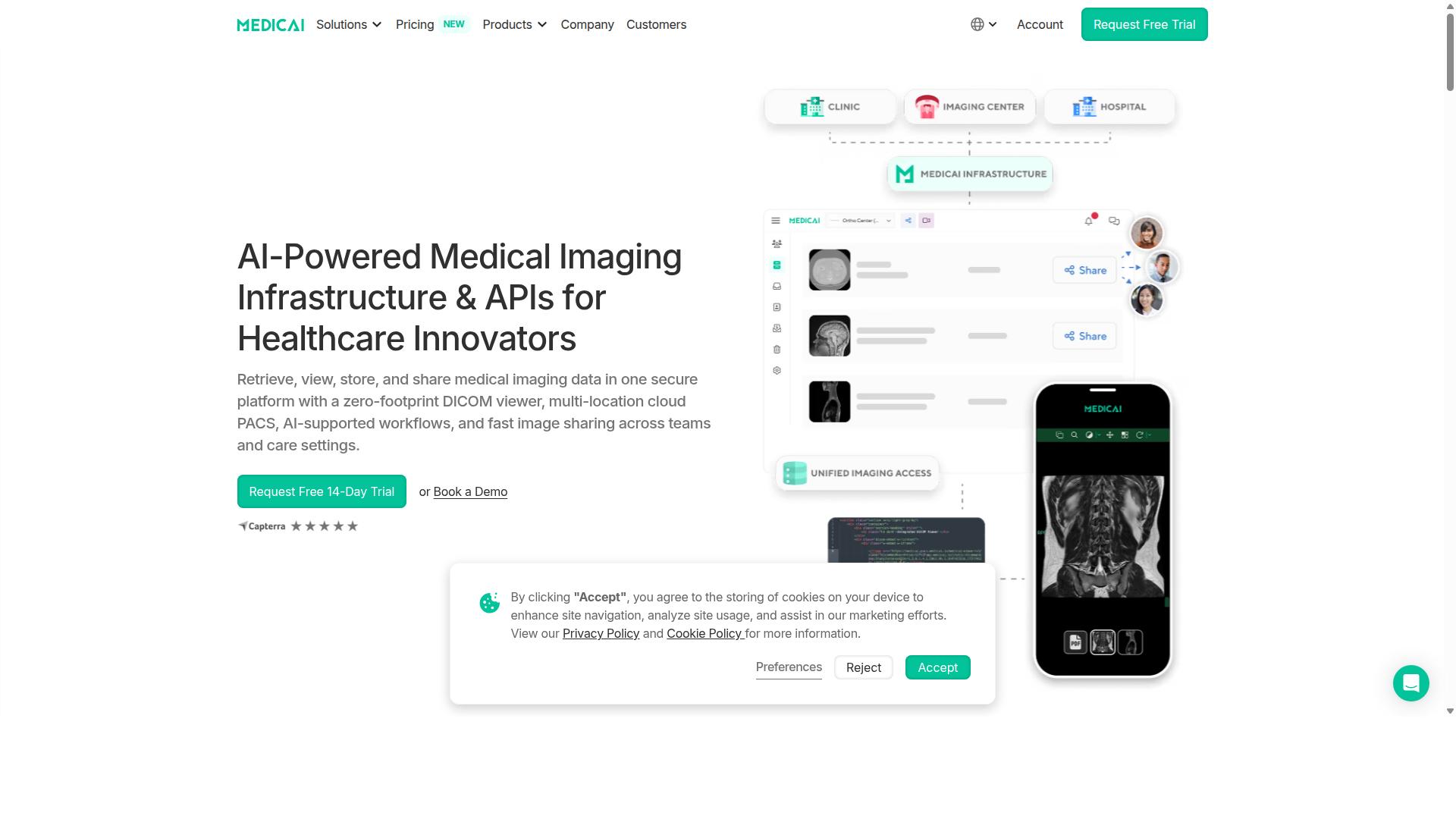
Medicai provides a cloud-based medical imaging platform that processes over 1 million studies annually with a zero-footprint DICOM viewer.
The platform operates as a complete cloud PACS solution for healthcare providers who need reliable image storage and sharing capabilities. Research suggests that many radiology departments benefit from platforms that handle high study volumes without infrastructure investments.
With over 1.7 million studies stored in its system, Medicai demonstrates substantial capacity for radiology workflows. The service completed more than 300,000 DICOM visualizations last year and managed over 50 million API transactions annually.
Medical imaging data remains protected through HIPAA and GDPR compliant security measures. The platform also holds FDA and CEE regulatory clearance for use in clinical environments.
Starter Plan: $249/month for 500 GB Storage
The Starter Plan costs $249 per month and includes 500 GB of cloud storage with unlimited user accounts and no connected location limits.
This pricing structure offers radiology practices an entry point into cloud-based image archiving without upfront hardware costs. The storage capacity typically supports 25,000 to 30,000 typical DICOM studies depending on imaging modality and resolution requirements.
Many smaller radiology groups find this option suitable for initial cloud PACS migration needs. The monthly billing model aligns with pay-per-study pricing considerations that many departments evaluate when comparing PACS replacement options.
Standard Plan: $749/month for 2 TB Storage
The Standard Plan is priced at $749 per month and provides 2 TB of cloud storage, unlimited user accounts, and one connected location.
This tier accommodates roughly 100,000 to 120,000 studies based on average storage per study across different imaging modalities. Radiology departments handling moderate case volumes often find this capacity adequate for their operational requirements.
Healthcare organizations can scale from the Starter Plan as their imaging study volumes increase. The single connected location feature supports practices with centralized operations while maintaining the flexibility to add more locations through enterprise-level arrangements.
2. PICOM365
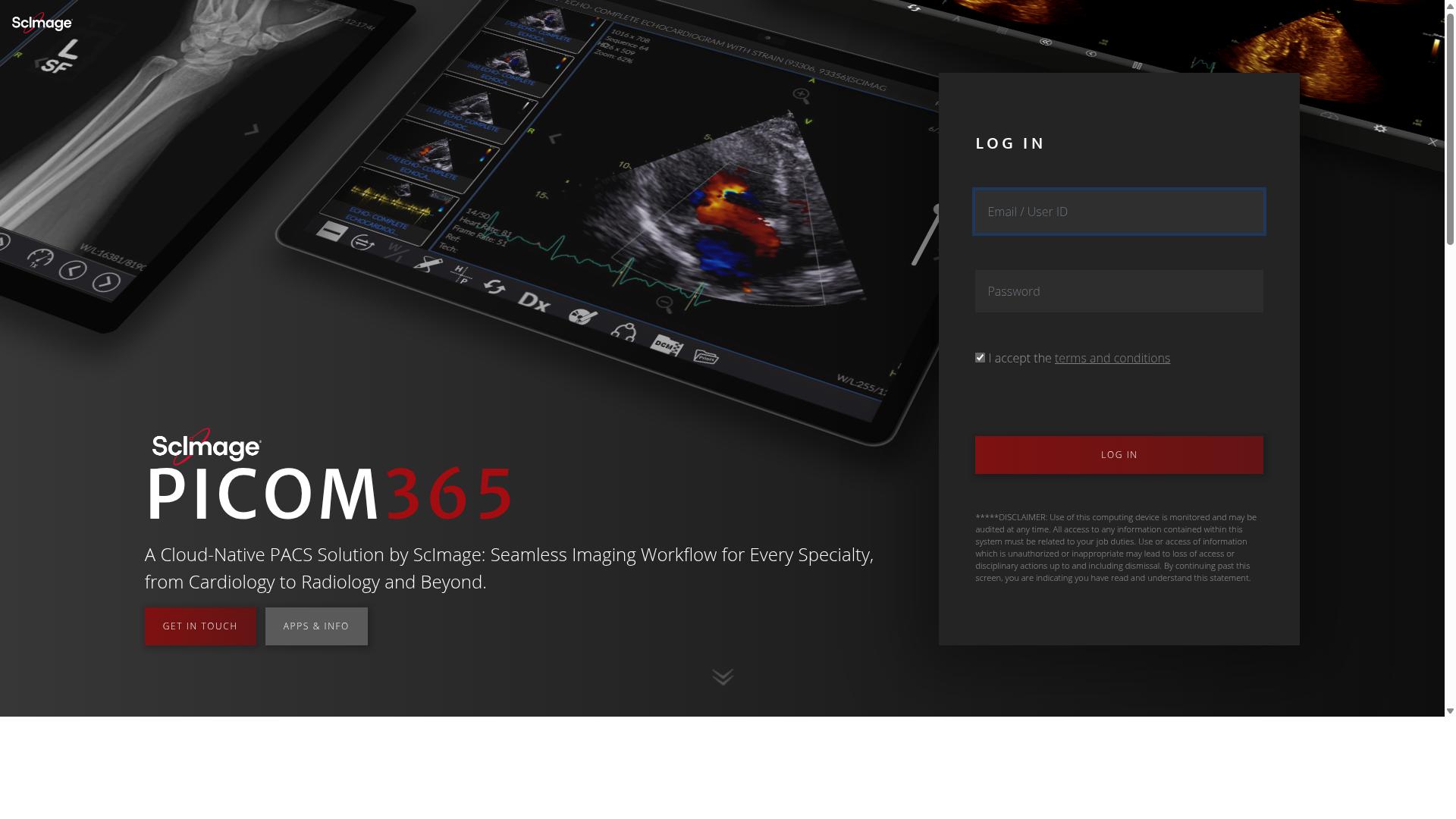
PICOM365 operates on a pay-per-study pricing model targeted at smaller radiology practices seeking usage-based billing. This approach appeals to teams that want to avoid fixed monthly fees while maintaining access to enterprise imaging tools. The platform supports viewing, reporting, and distribution for various specialties including radiology and cardiology.
Per-Study Pricing Model
PICOM365 charges per imaging study rather than monthly subscription, with costs typically ranging from $1 to $5 per study depending on volume and modality. Charges accrue when studies are uploaded to the system. Different modalities like CT, MRI, or X-ray may carry varying fees based on complexity and data size.
There are no fixed monthly minimums required, making this model attractive for practices with fluctuating study volumes. Storage fees may apply beyond the initial retention period if additional space is needed for archived images. This structure allows radiology departments to budget based on actual usage rather than estimated capacity needs.
Storage and Workflow Limitations
Pay-per-study platforms like PICOM365 often include storage limits and workflow constraints that impact growing radiology departments. Common limitations include capped study counts per month, which can restrict expansion during busy periods. Limited concurrent user access may also affect multi-physician practices that need simultaneous system availability.
Basic viewer functionality provides essential diagnostic tools but may lack advanced features found in premium solutions. Restricted modality support can limit the types of studies that integrate seamlessly with the platform. Minimal API access for integrations often requires manual workarounds when connecting with existing EHR systems or third-party radiology software.
3. Carestream Vue PACS
Carestream Vue PACS offers enterprise-grade imaging solutions with both cloud and on-premise deployment options. Large health systems frequently select this platform when they need scalable radiology PACS infrastructure that supports multiple imaging modalities. The system addresses the needs of organizations that process thousands of studies daily across distributed radiology departments.
Enterprise deployments often require integration with existing radiology workflow systems and hospital information systems. Carestream provides tools that support image archiving, diagnostic imaging review, and radiology reporting across various clinical settings. These capabilities make it suitable for facilities that prioritize comprehensive medical imaging solutions over simpler radiology software configurations.
Hospitals considering PACS replacement options evaluate Carestream alongside other enterprise platforms when they require robust image storage and retrieval functions. The platform supports teleradiology operations and imaging informatics needs that extend beyond basic DICOM viewer functionality. Organizations with complex radiology IT requirements often include this system in their evaluation process for medical imaging platforms.
Pay-Per-Study Pricing Details
Carestream provides flexible pricing structures that may include per-study components for certain service tiers or modalities. Enterprise PACS pricing models typically incorporate variables such as modality-based fees, volume discounts, and service-level agreements that affect overall radiology budget allocation.
Professional services costs often factor into the total expense when organizations implement new medical imaging solutions. These services may include system configuration, staff training, and ongoing technical support that extends beyond basic software licensing. Study-based billing arrangements require careful evaluation of how usage patterns align with organizational imaging volumes.
Exact pricing requires direct vendor consultation because enterprise agreements vary significantly based on deployment scope and service requirements. Organizations evaluating usage-based pricing should request detailed proposals that outline all cost components for their specific radiology department needs. This approach helps facilities understand the full financial implications of different medical imaging vendor options.
Cloud vs On-Premise Considerations
Organizations evaluating Carestream must weigh cloud deployment benefits against on-premise control requirements. Cloud PACS deployments offer automatic updates and lower IT overhead, which appeals to facilities seeking to minimize internal technical resource demands for radiology software management.
On-premise installations provide data sovereignty and predictable latency for large imaging studies that demand consistent performance. Healthcare organizations handling sensitive patient information often prioritize these control aspects when selecting radiology IT infrastructure. Image storage requirements for high-resolution studies can significantly impact bandwidth costs in cloud environments.
The choice between deployment models affects radiology efficiency and long-term operational expenses. Facilities with robust internal IT capabilities may prefer on-premise solutions, while those seeking to reduce infrastructure management often favor cloud-based medical imaging solutions. Bandwidth considerations become particularly important when processing large diagnostic imaging files across distributed networks.
How to Choose the Right Option
Match platform selection to your department's annual study volume, required modalities, and integration needs with existing EHR systems.
Start by calculating your monthly study volume multiplied by average study size. This determines the storage capacity needed across your radiology department.
Next, compile a complete list of required modalities. Most departments need CT, MRI, PET, ultrasound, and mammography capabilities to serve their patient population effectively.
Evaluate your EHR integration requirements. Healthcare providers need seamless data exchange between their radiology PACS system and existing electronic health records to maintain clinical workflow efficiency.
Assess your internal IT resources for on-premise versus cloud management decisions. Organizations with limited technical staff often benefit from cloud PACS solutions that reduce infrastructure maintenance demands.
Consider pay-per-study pricing models when your imaging volume fluctuates seasonally. This radiology cost model aligns expenses directly with usage patterns rather than fixed infrastructure costs.
Review HIPAA compliant features across all platforms under consideration. Medical imaging vendors must maintain strict data security standards for patient information protection.
Examine each medical imaging platform's DICOM viewer capabilities and teleradiology support. These features matter particularly for specialty care providers and virtual care organizations that serve remote locations.
Final Verdict
For practices processing over 500 studies monthly seeking predictable monthly costs, Medicai's subscription model offers cost certainty and unlimited users.
Practices handling fewer than 200 studies per month often find pay-per-study pricing more economical. This approach eliminates fixed monthly fees and aligns costs directly with actual usage.
Medicai processes over 1 million studies yearly with 50 million API transactions annually. The platform serves 70 clinics and hospitals worldwide with over 10,000 active doctors using its system.
The platform maintains FDA clearance and follows HIPAA and GDPR compliance standards. It operates on Microsoft Azure infrastructure with OWASP security guidelines applied throughout its architecture.
Research suggests pay-per-study models work well for smaller radiology departments or practices with variable imaging volumes. These arrangements provide flexibility without long-term subscription commitments.
Medicai stores over 1.7 million studies and has processed over 2 million imaging studies total. The platform enables global multidisciplinary tumor boards and supports teleradiology workflows across different healthcare systems.
Practices evaluating ProtonPACS alternatives should assess their monthly study volume against subscription versus usage-based pricing models. The decision depends on imaging volume predictability and budget planning requirements.
Recommended Resources: